Built for the way
you transform.
AI quoting, design and job management for landscapers. Turn your site measurements, customer choices and own prices into a clear proposal for the work outdoors.
Your specification. Your prices. Your business.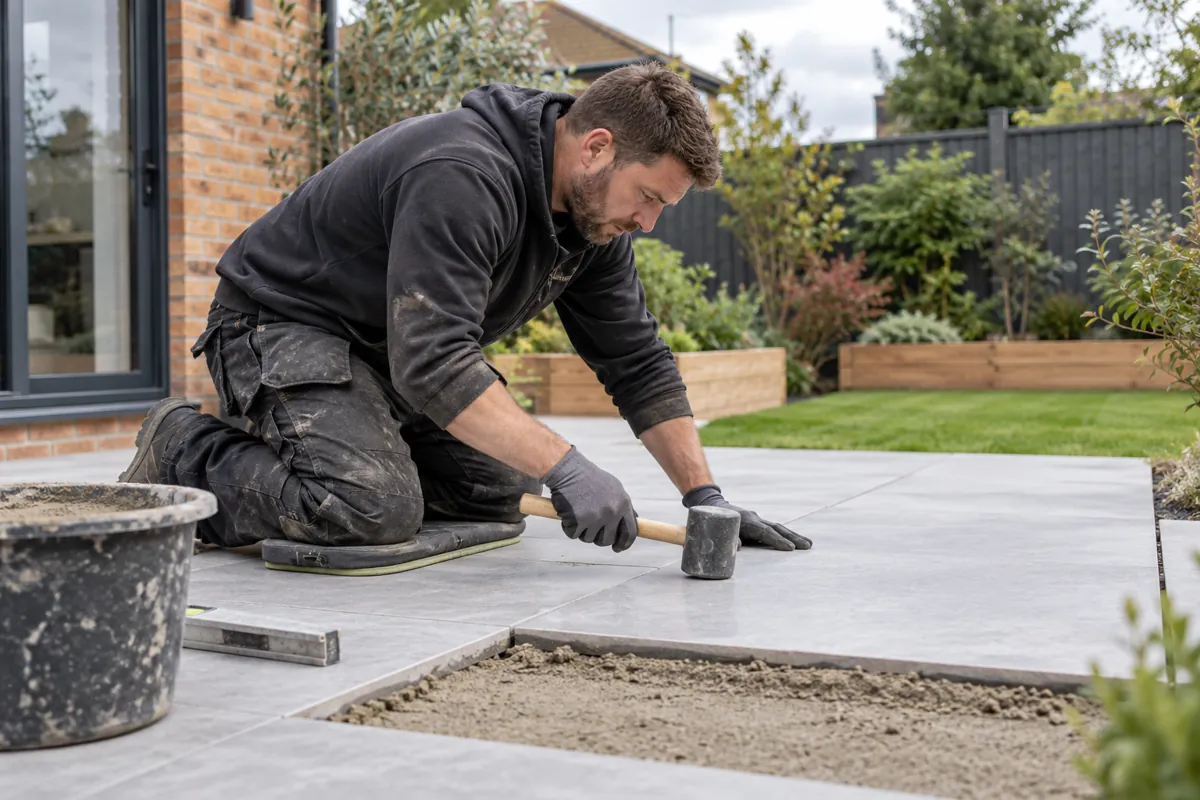
THE WHOLE JOB, CONNECTED
Less chasing.
More transforming.
Keep the layout, finish choices and work on site connected. Choose a stage to see the tools.
Turn the idea into a site visit.
Capture the customer brief, access, measured areas and reference photos. Keep the survey and preferred finishes with the lead.
- AI messaging & customer CRM
- Survey booking
- Site photos & customer choices
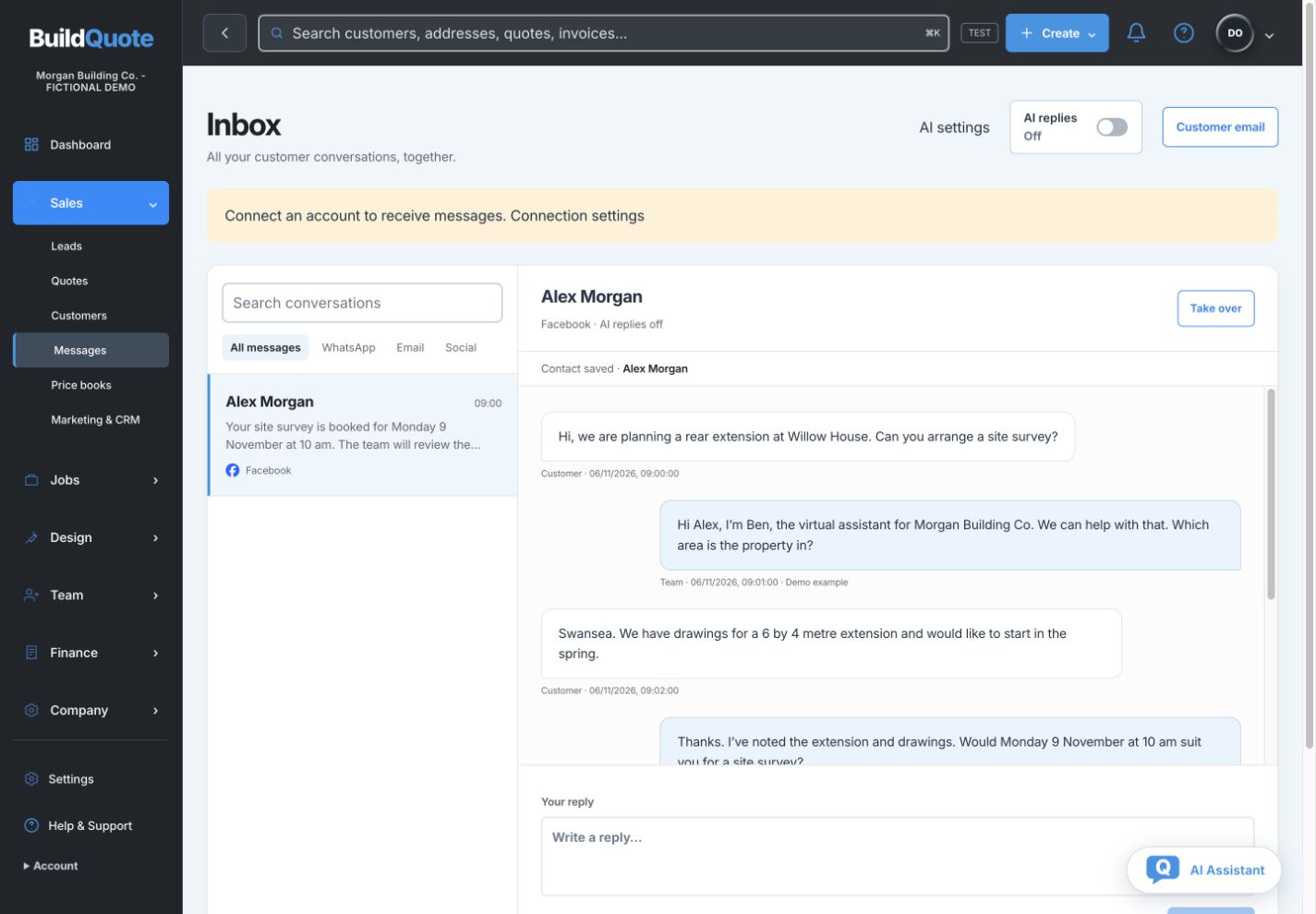
Shared BuildQuote workspace & document previews · Fictional extension example · Click to enlarge
Make the choices easy to price.
Use AI with the scope and your own rates. Separate preparation, disposal and labour from paving, fencing and finish options.
- Your material & labour prices
- Clear alternative finishes
- Preparation, access & allowances
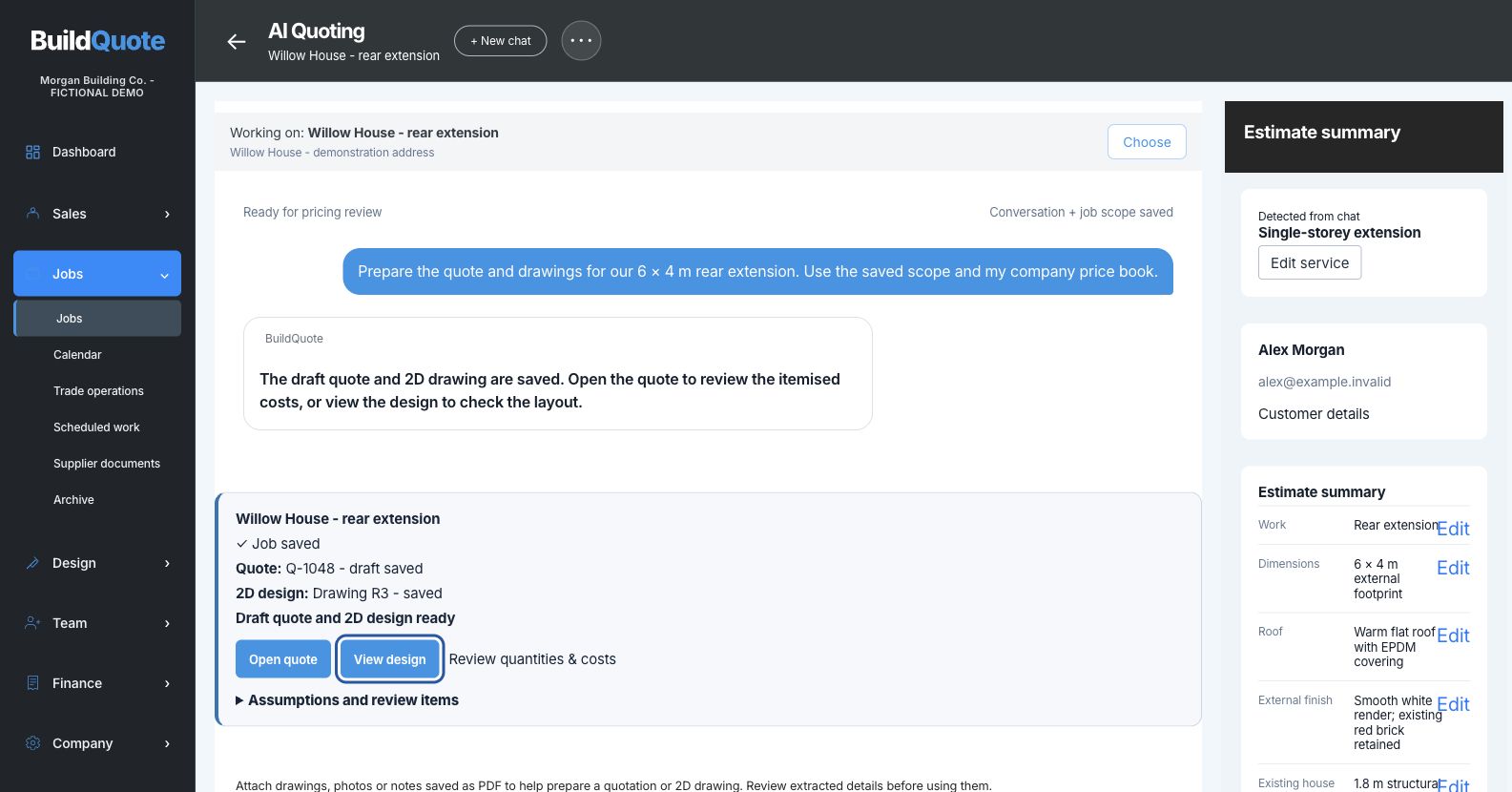
Shared BuildQuote workspace & document previews · Fictional extension example · Click to enlarge
Keep the outdoor job moving.
Organise the team, deliveries and bookings. Keep progress photos, changes and additional work with the project.
- Scheduling & purchasing
- Site photos & notes
- Variations & approvals
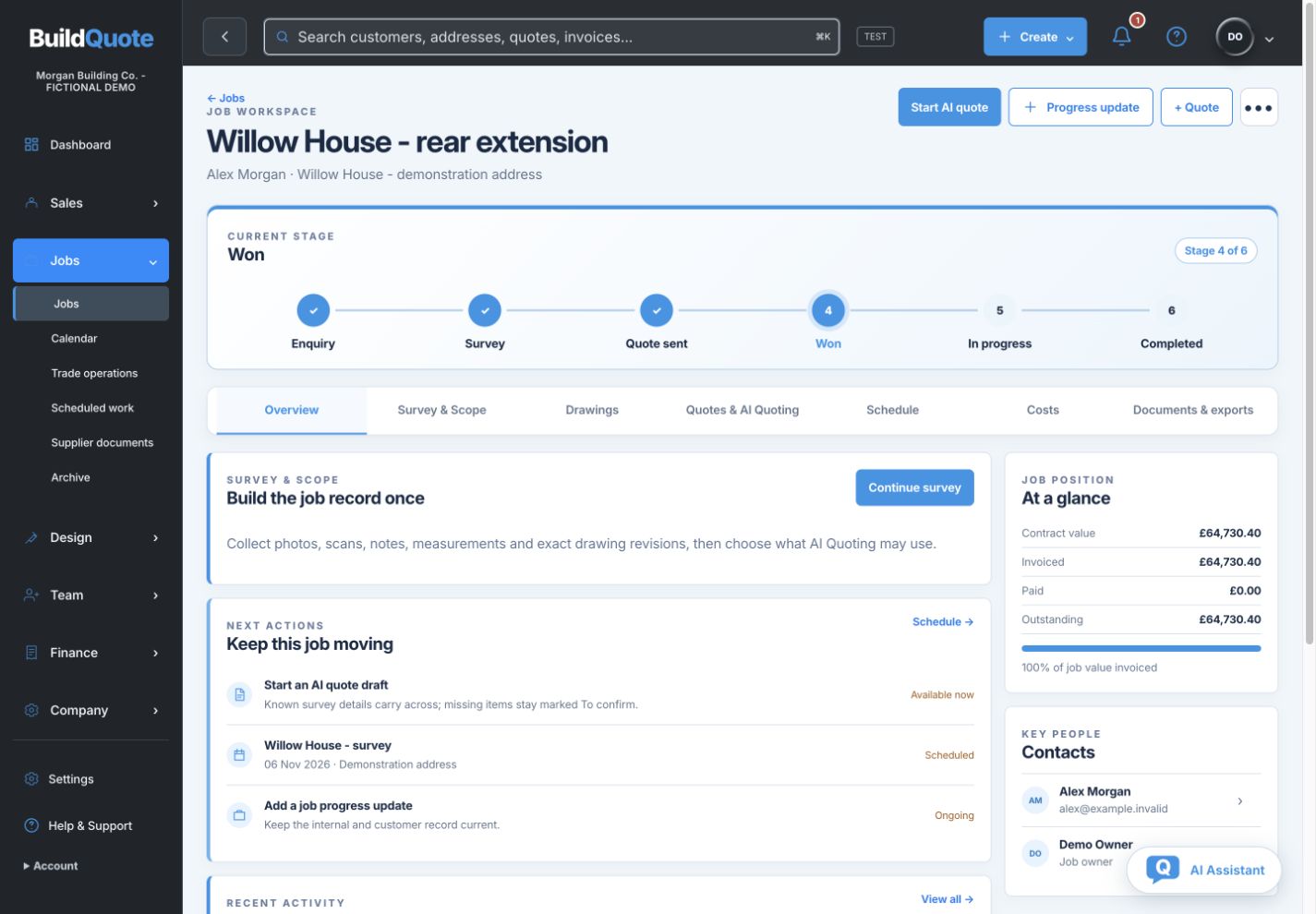
Shared BuildQuote workspace & document previews · Fictional extension example · Click to enlarge
See the value in the finished work.
Bring material costs, recorded labour and invoices together. Review the margin behind the customer’s chosen scope.
- Supplier costs & labour
- Invoices & payment records
- Costs & profitability
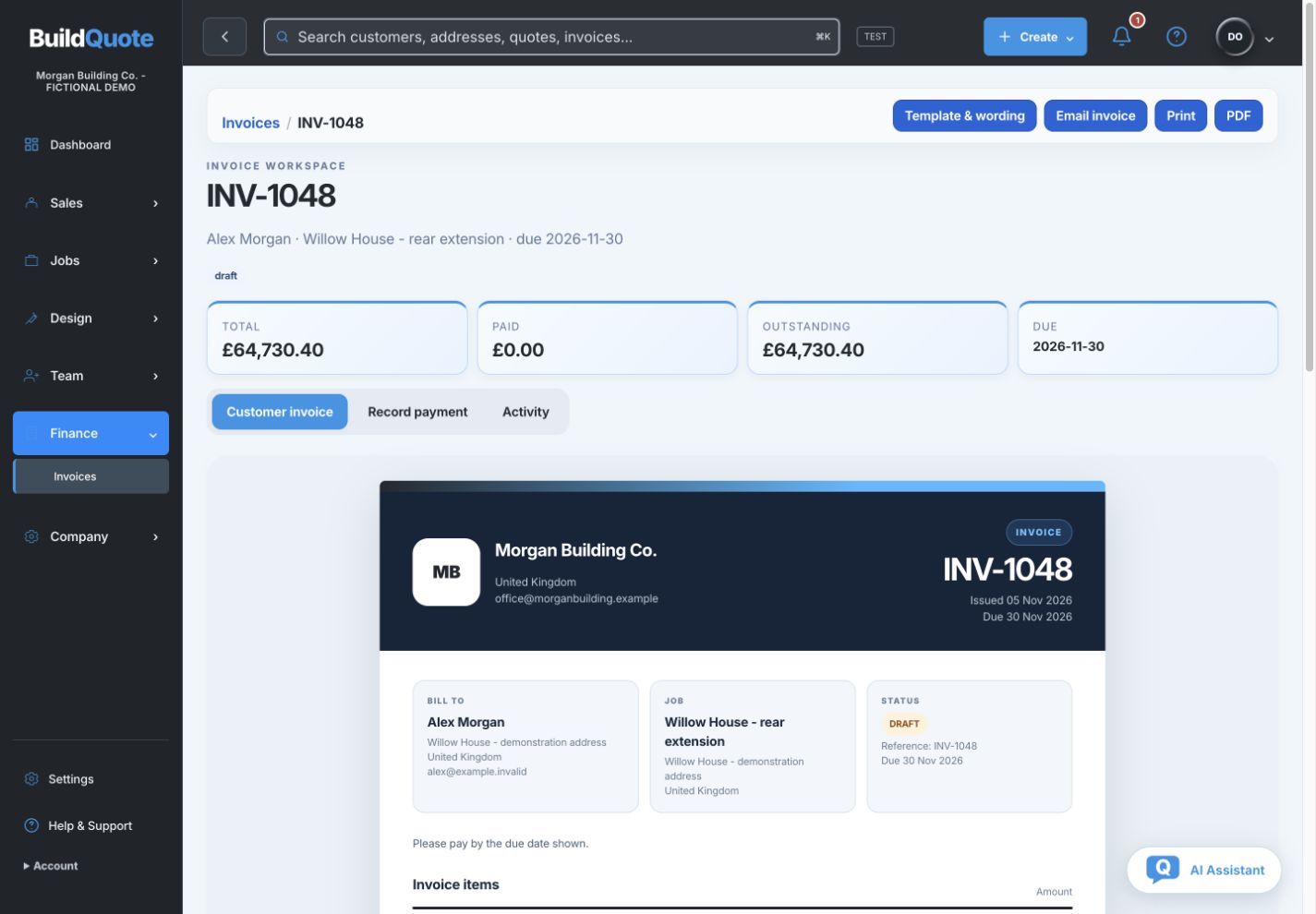
Shared BuildQuote workspace & document previews · Fictional extension example · Click to enlarge
HELP CUSTOMERS SEE THE IDEA
Show the layout.
Explain the site work.
Use the design tools to discuss proposed layouts and keep site information with the quote. Review levels, drainage and structural elements with the appropriate specialist.
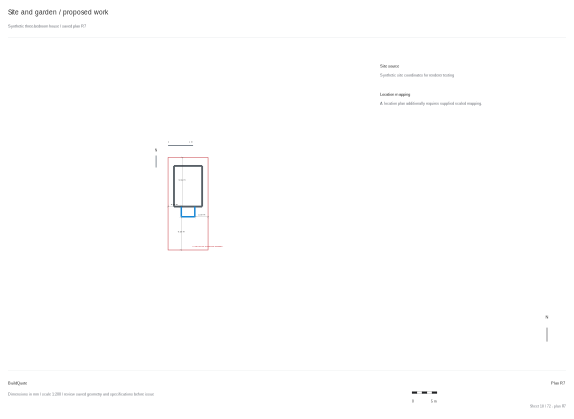
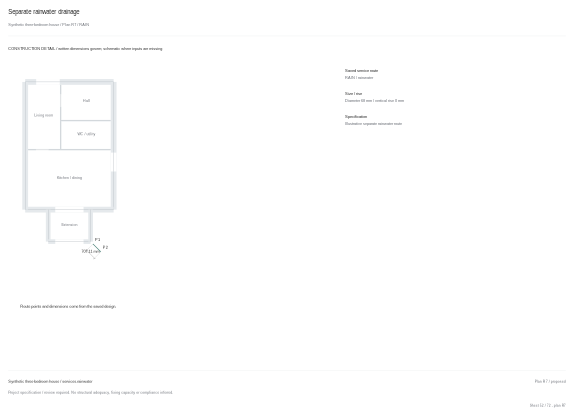
SPECIFICATION & CONSTRUCTION DRAWINGS
Keep site information with the proposal.
Site layouts, drainage routes and specification notes.
Example tools for explaining the work.
Site & garden planView largerRainwater routesView larger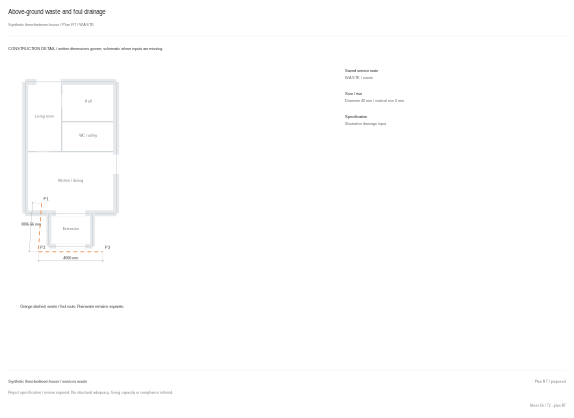 Drainage contextView larger
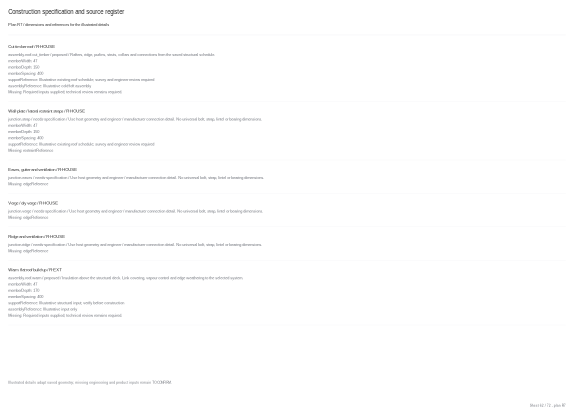 Specification registerView larger
Existing BuildQuote drawing exports · Separate synthetic example project · Click to enlarge
Keep the layout, paving choice and fence specification with the quote.
Record access, dimensions, drainage information and work instructions.
Levels, drainage performance, retaining structures and ground conditions need the relevant technical review.
Existing BuildQuote views & drawing exports · Synthetic examples · Confirm project inputs and obtain any required technical review before use.
Explore 2D & 3D designBUILT AROUND YOUR WORK
A van full of tools,
all in one place.
From the first enquiry to the final invoice. There’s more to BuildQuote than quoting and drawing.
Explore all featuresONE TOOLKIT. THREE PLANS.
Find your fit.
From £39/month excluding VAT.
Start with your first 7 days free.
A few useful answers.
Can customers compare alternative finishes?
Use quote options to separate alternative materials and additional work. Explain what changes, then review the selected scope and total with the customer.
Can I keep site-visit and progress photos?
Yes. Keep photos and notes with the correct customer and job so existing conditions, customer choices and progress are easy to find.
Does BuildQuote replace landscape engineering tools?
No. It supports quoting, design communication and job management. Levels, drainage, retaining structures and technical suitability still need appropriate information and professional checks.
Which plan should I choose?
Basic includes AI quoting, the AI Assistant and essential business tools. Essential adds drawings and full job management. Pro adds advanced design, automation and team tools. Compare the full plan details.