Built for the way
you build.
AI quoting, 2D & 3D design and job management for builders. Your AI Assistant helps calculate the quote using your prices and develop the drawings from your specification.
Your specification. Your prices. Your business.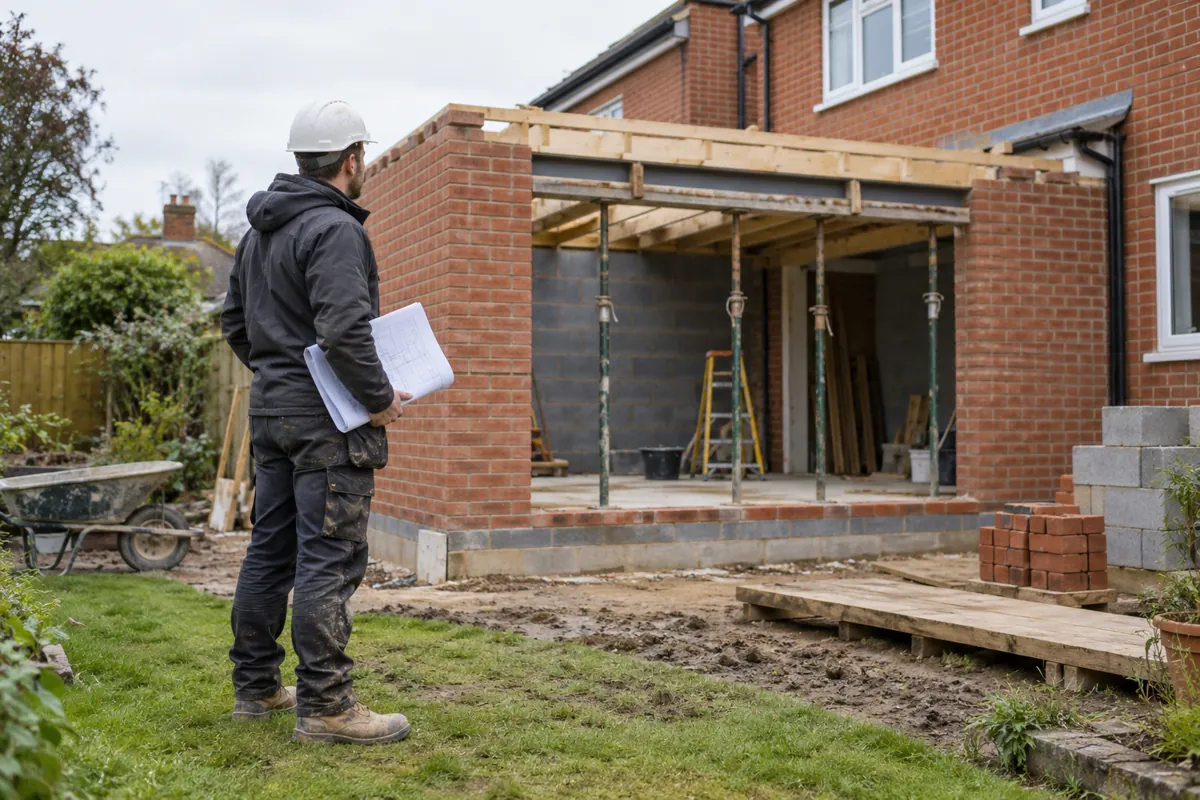
THE WHOLE JOB, CONNECTED
Less chasing.
More building.
Follow one extension from enquiry to invoice.
Choose a stage to see the tools behind it.
Turn the enquiry into a site visit.
Answer messages, capture customer details and arrange surveys in one place.
- AI messaging agent
- Customer CRM
- Survey booking
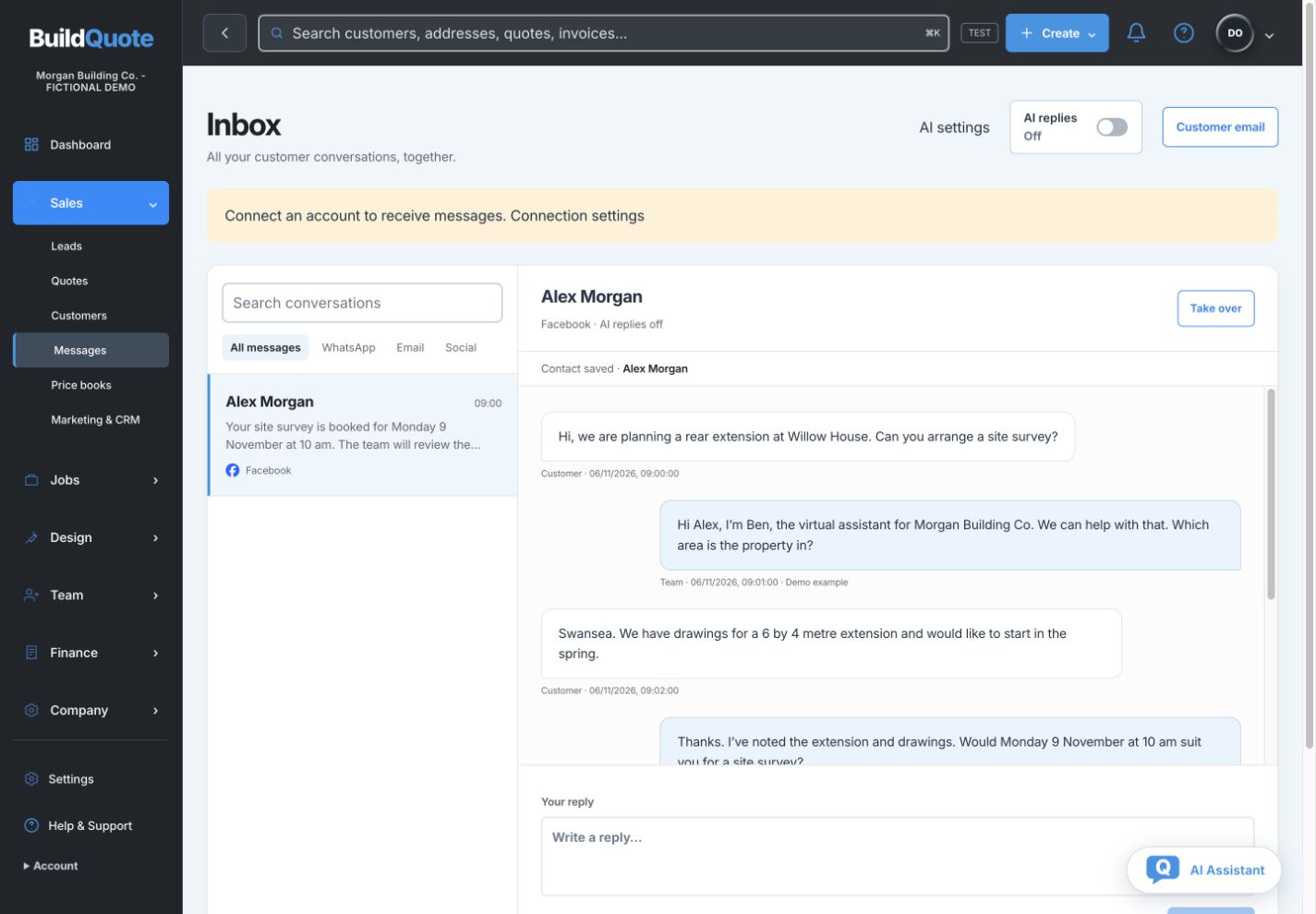
BuildQuote views & customer document previews · Fictional data · Click to enlarge
Your specification. Your rates. A clear quote.
Give your AI Assistant the job specification and your price book. Calculate materials and labour, develop the drawings, then review and adjust before sending.
- AI quoting & your price book
- Editable costs, markup & VAT
- Branded customer quotes
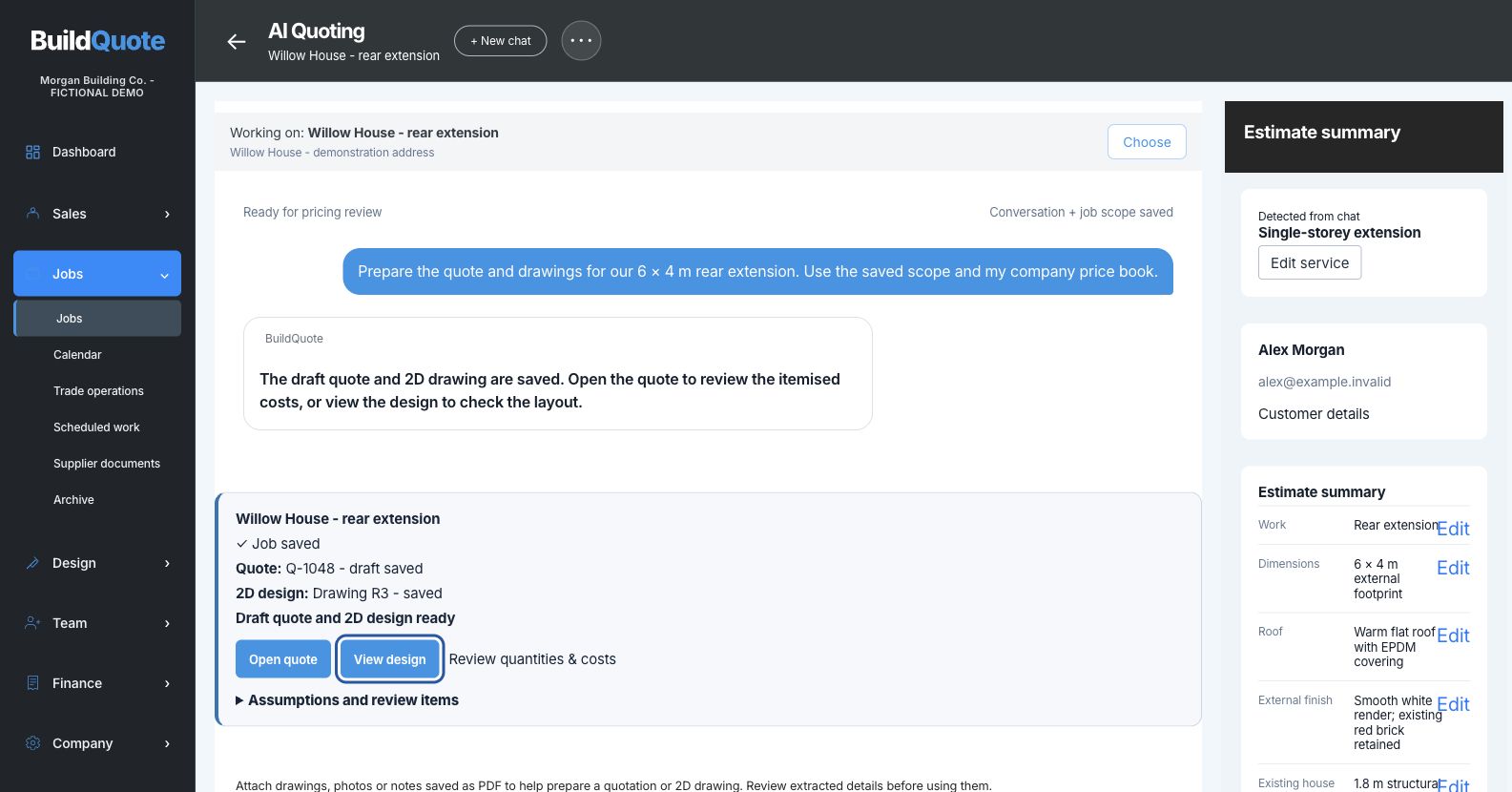
BuildQuote views & customer document previews · Fictional data · Click to enlarge
Keep the site and the office together.
Keep the team, schedule, materials and site records with the job. Make additional work clear as the build develops.
- Scheduling & workforce
- Materials, photos & notes
- Variations & approvals
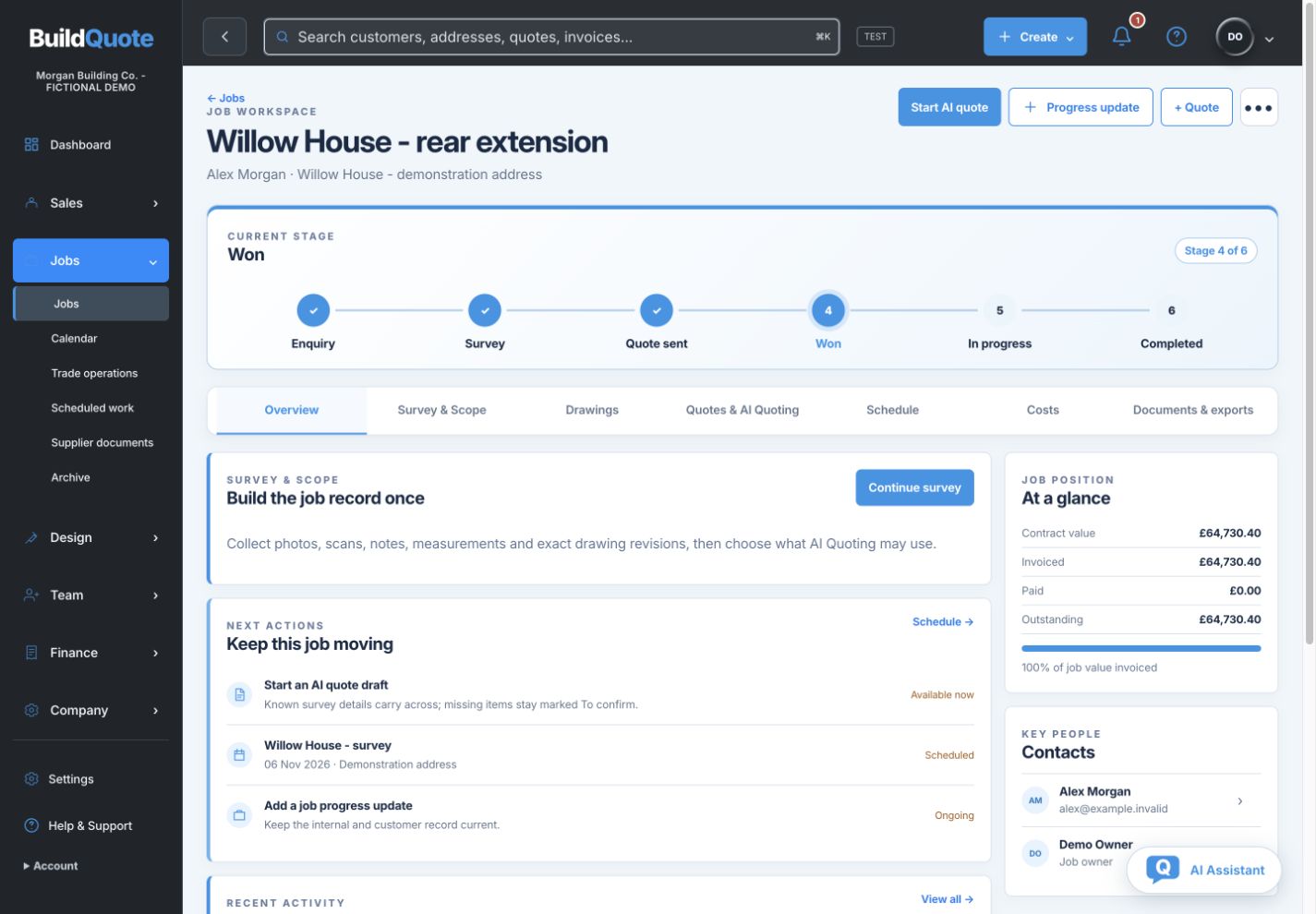
BuildQuote views & customer document previews · Fictional data · Click to enlarge
Know the numbers behind the job.
Bring invoices, payment records, timesheets and job costs together. See what the work is worth to your business.
- Invoices & payment records
- Labour & timesheets
- Costs & profitability
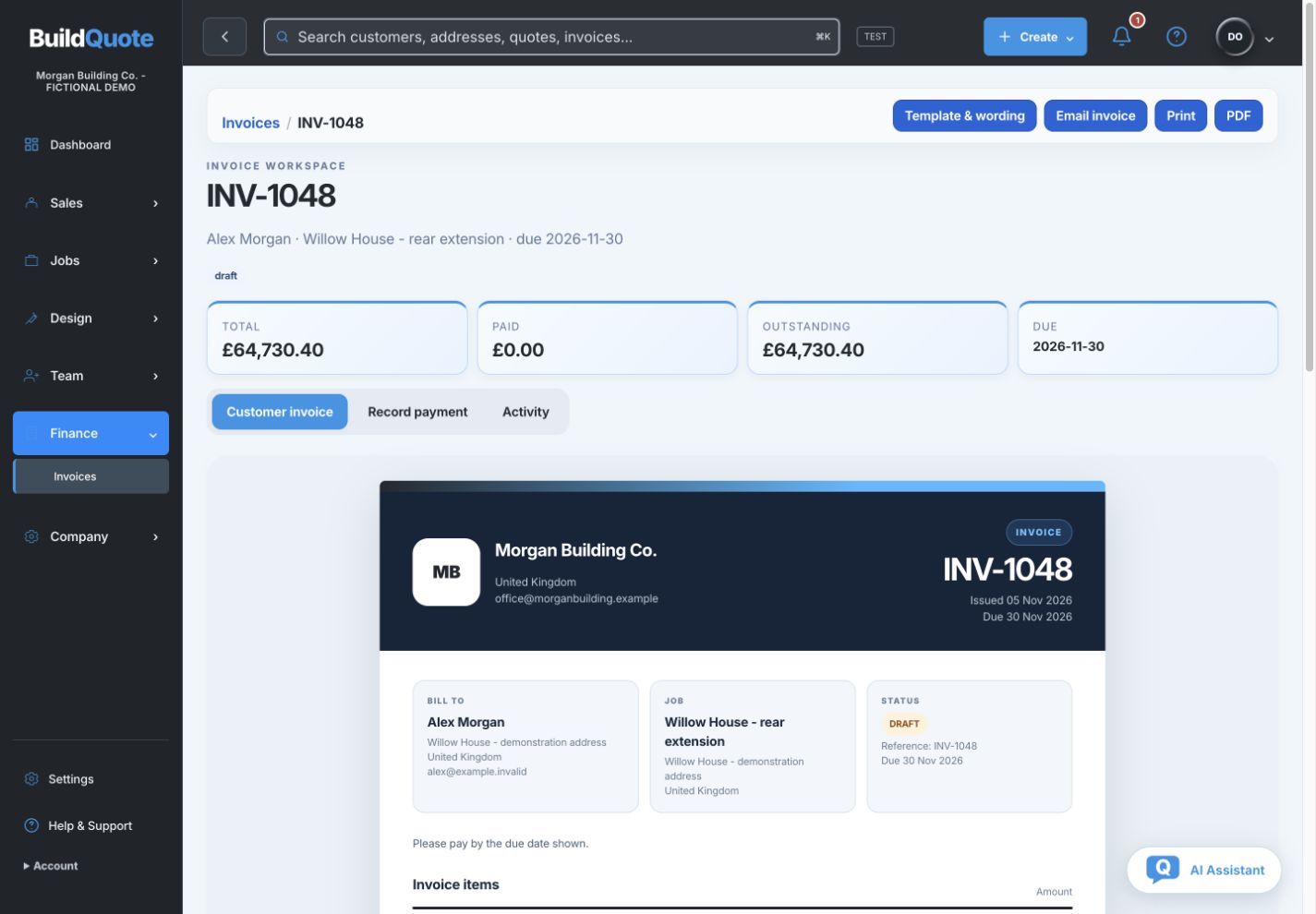
BuildQuote views & customer document previews · Fictional data · Click to enlarge
HELP CUSTOMERS SEE THE IDEA
Draw the plan.
Show the possibility.
Start with your specification. Use AI to help develop the 2D plans and 3D visuals, then refine the detail alongside your quote.
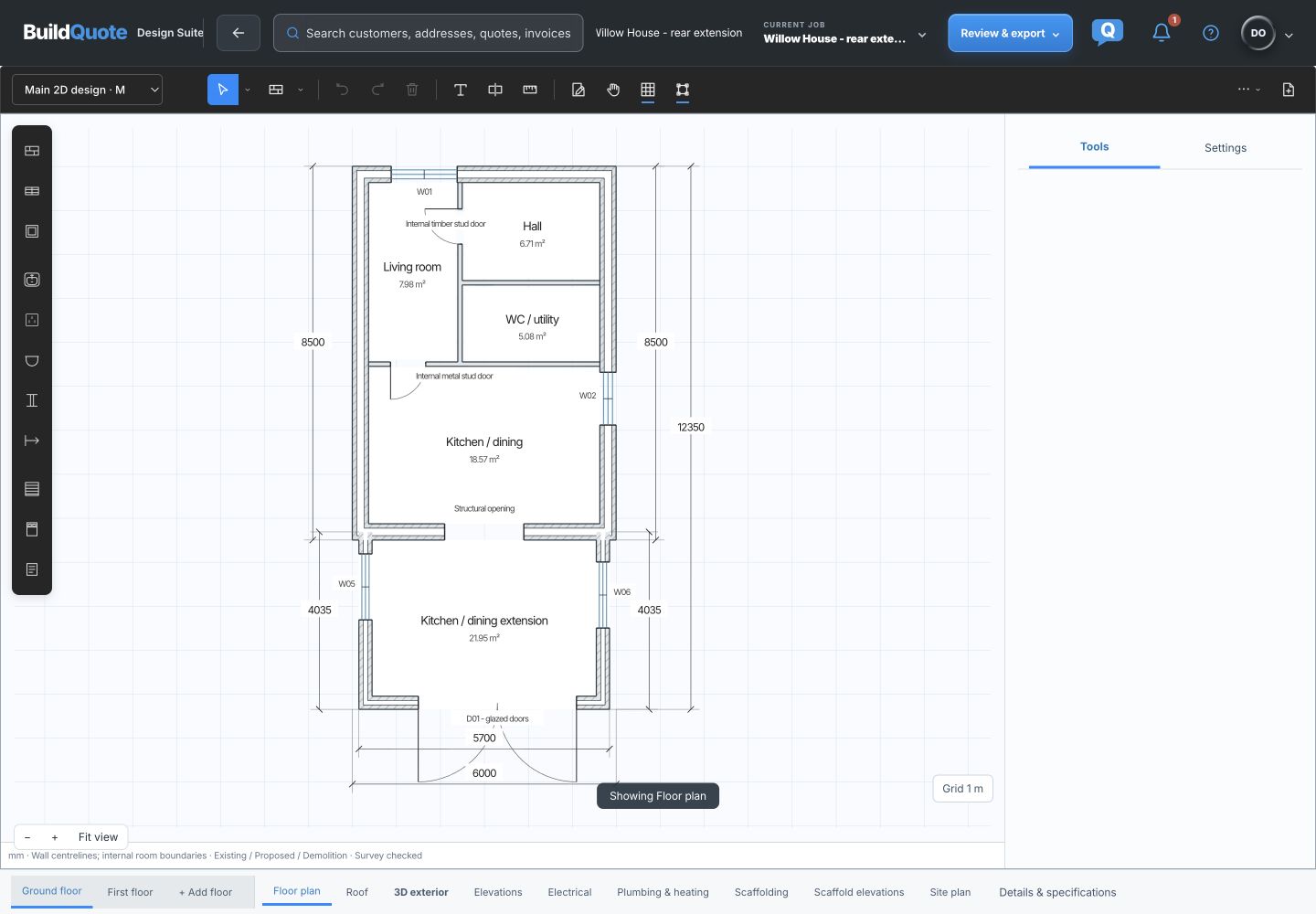
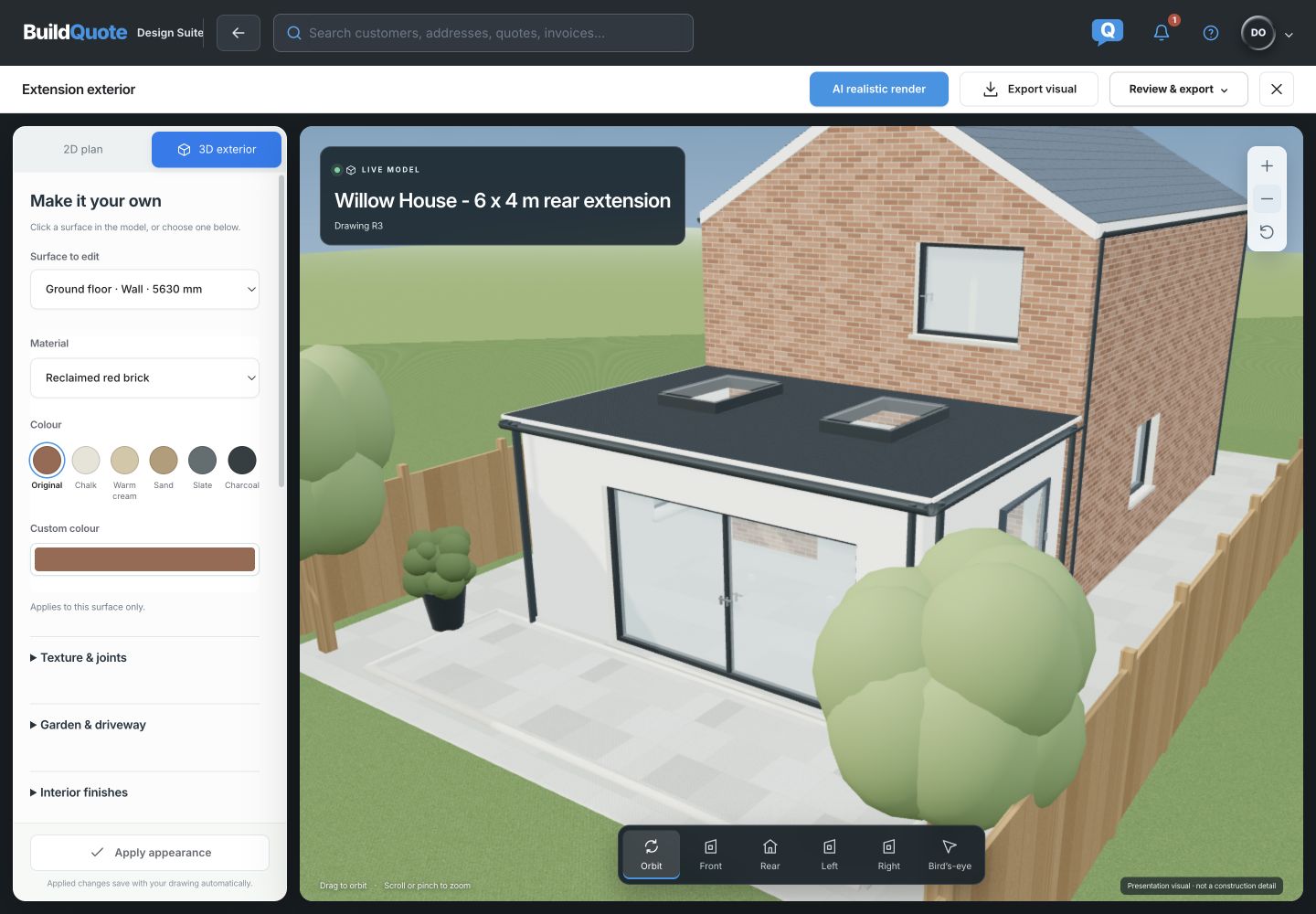
SPECIFICATION & CONSTRUCTION DRAWINGS
Show how it’s put together.
From material layers to construction details.
Drawings that explain the specification.
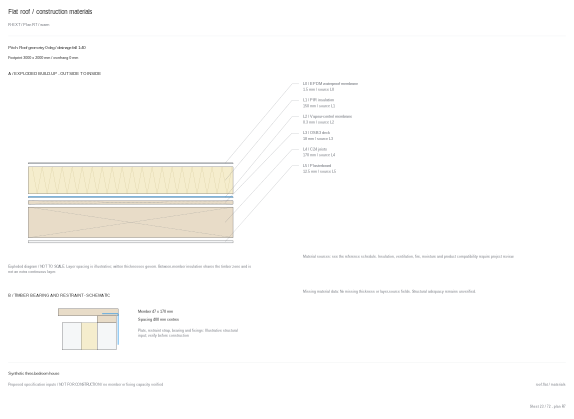 Roof build-upView larger
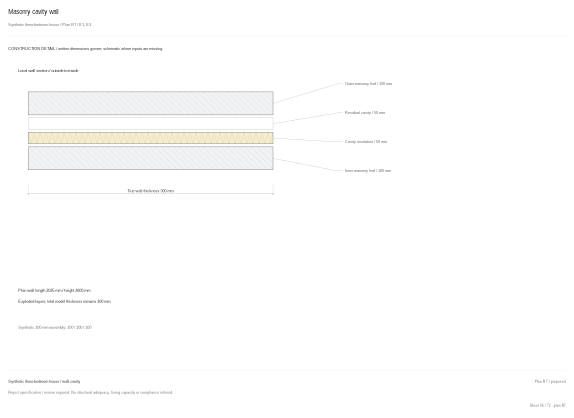 Wall sectionView larger
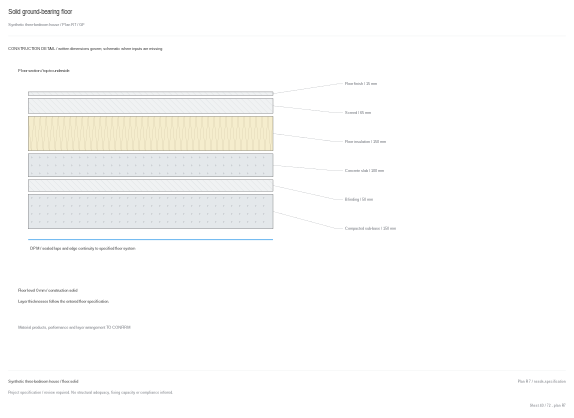 Floor build-upView larger
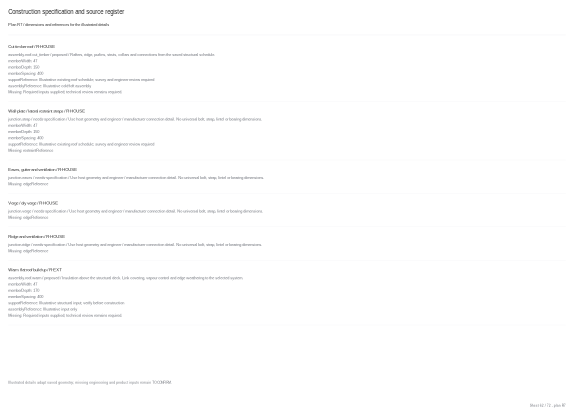 Specification registerView larger
Existing BuildQuote drawing exports · Separate synthetic example project · Click to enlarge
Develop dimensioned drawings and specifications to help explain the proposed work.
Keep layouts, dimensions and construction notes together for the people doing the work.
Prepare straightforward drawings in-house and reduce the drafting work you need to outsource.
BuildQuote design views · Fictional example project · Project-specific checks, structural calculations and professional input may still be needed.
Explore 2D & 3D designBUILT AROUND YOUR WORK
A van full of tools,
all in one place.
From the first enquiry to the final invoice. There’s more to BuildQuote than quoting and drawing.
Explore all featuresONE TOOLKIT. THREE PLANS.
Find your fit.
From £39/month excluding VAT.
Start with your first 7 days free.
A few useful answers.
Can I use my own rates?
Yes. Use your own materials, labour and custom price-book items. Review quantities and current prices for each project before sending the quote.
Can I put my company branding on quotes?
Use your company details, logo and colours for customer documents. The examples above use fictional businesses to show different designs.
Can the drawings help with building control?
Use the drawing tools to develop plans and specifications for review and to communicate the work on site. Your project may also need structural calculations and specialist design. Approval depends on the complete submission and the relevant building control body; it is not provided by the software. Read the building control application guidance.
Which plan should I choose?
Basic includes AI quoting, the AI Assistant and essential business tools. Essential adds drawings and full job management. Pro adds advanced design, automation and team tools. Compare the full plan details.