Built for the way
you lay.
AI quoting and job management for bricklayers and masonry contractors. Use your measured scope, material specification and own rates to build a clear, reviewed quote.
Your specification. Your prices. Your business.
THE WHOLE JOB, CONNECTED
Less admin.
More brickwork.
Keep quantities, materials and labour connected. Choose a stage to see the tools.
Start with the measured scope.
Capture the customer brief, wall measurements, drawings and access information. Keep the site visit with the lead.
- AI messaging & customer CRM
- Survey booking
- Measurements & site notes
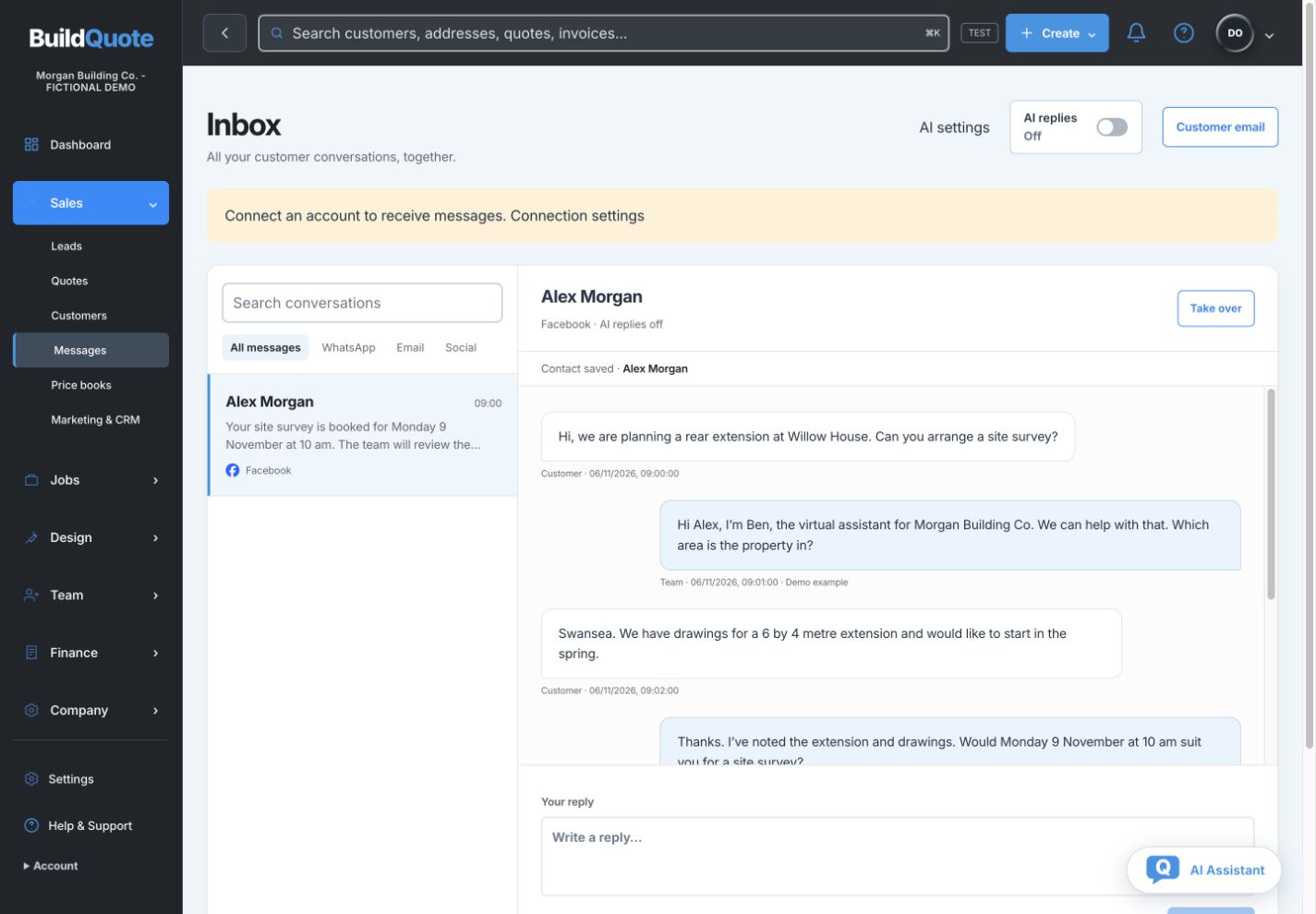
Shared BuildQuote workspace & document previews · Fictional extension example · Click to enlarge
Price the work by your rates.
Give AI the wall dimensions, openings and specification. Use your own material and labour prices, with waste, delivery and access allowances visible.
- Your bricks, blocks & labour rates
- Quantities, units & allowances
- Editable costs & branded quotes
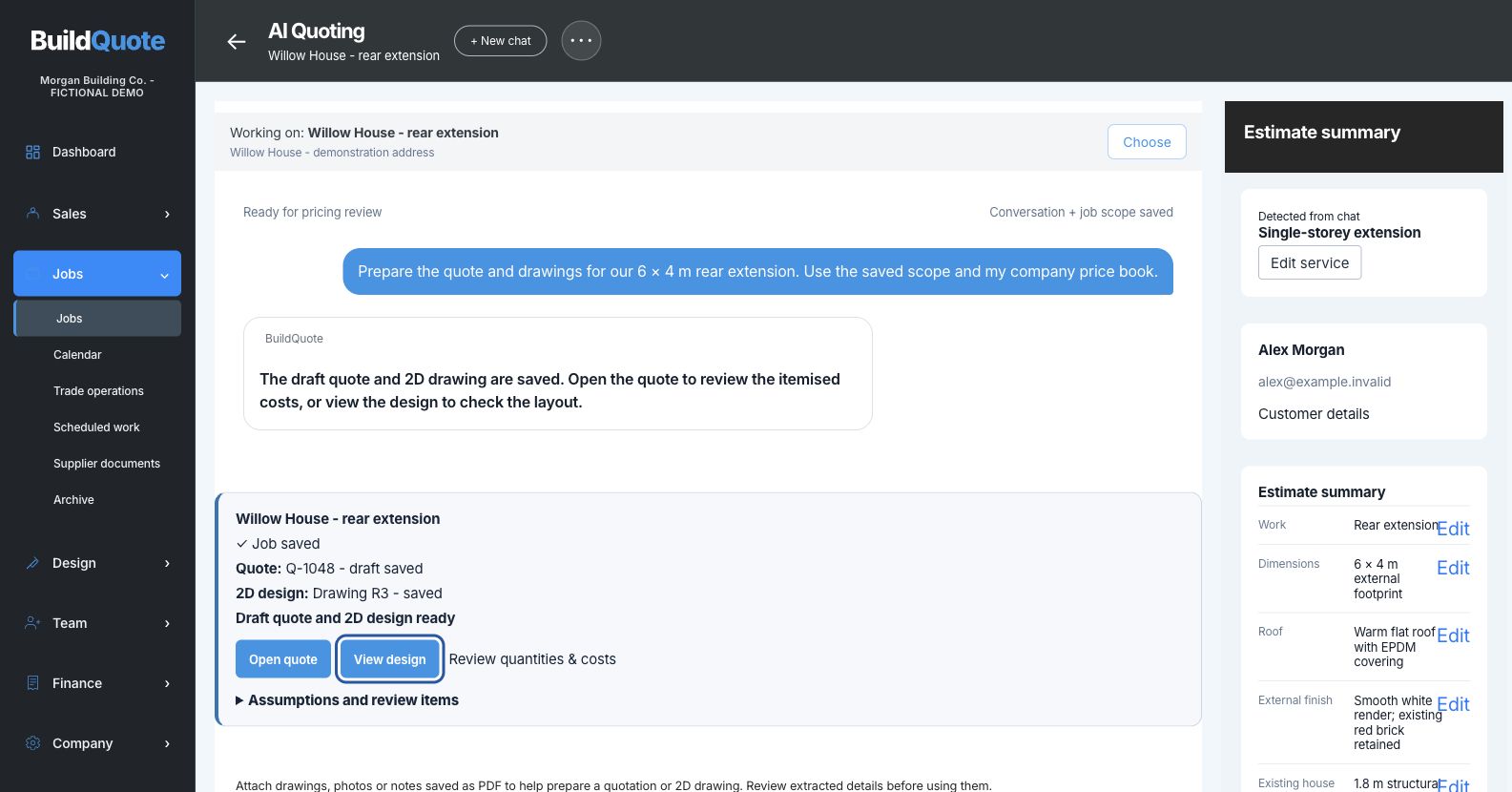
Shared BuildQuote workspace & document previews · Fictional extension example · Click to enlarge
Keep the gang and deliveries together.
Organise the team, material orders and site records. Keep progress and additional work alongside the original quote.
- Workforce & scheduling
- Purchasing & material records
- Site photos & variations
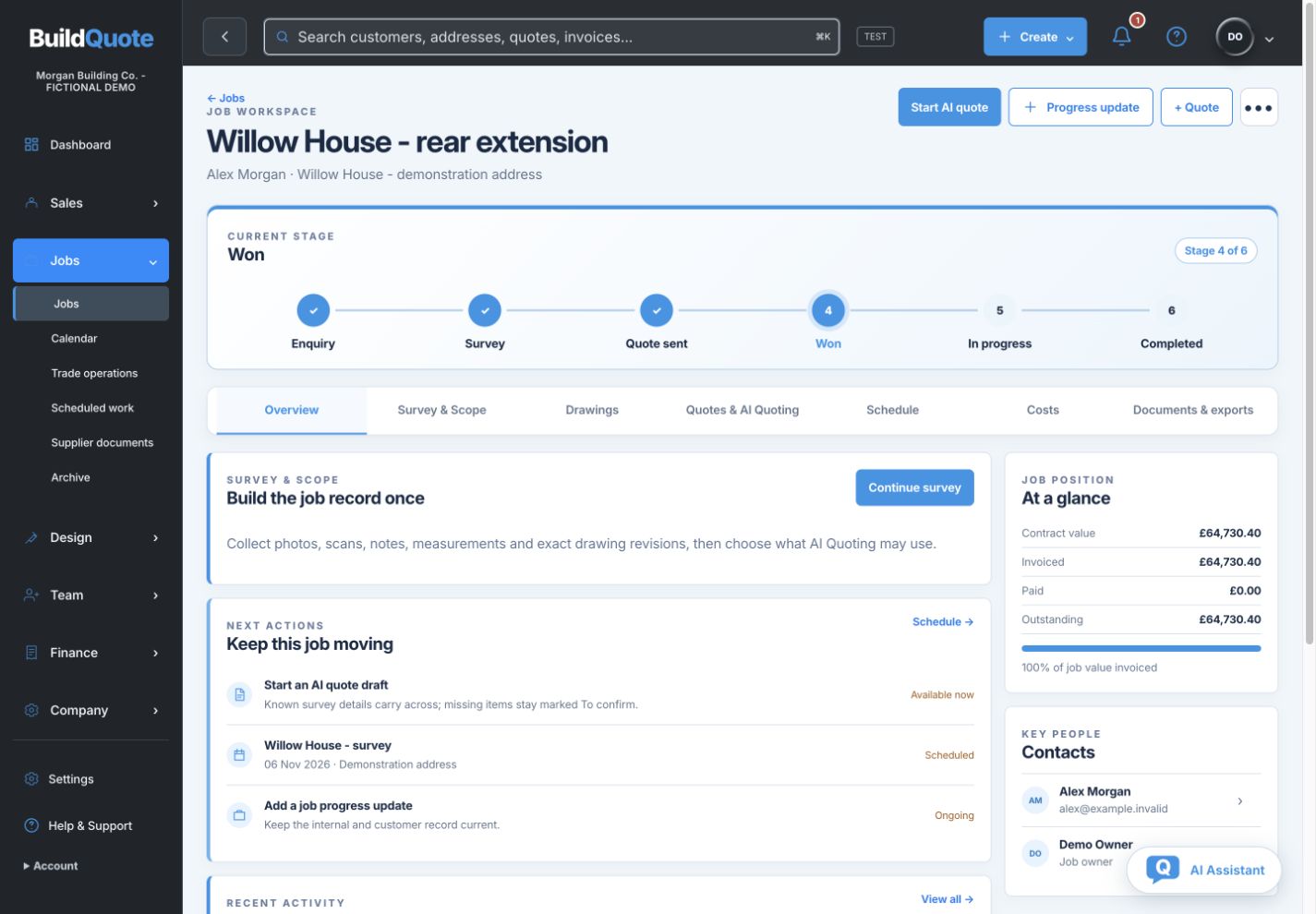
Shared BuildQuote workspace & document previews · Fictional extension example · Click to enlarge
Know what the masonry earns.
Bring material spending, recorded hours and invoices together. Review job costs against the quantities and labour allowed.
- Labour & timesheets
- Material costs & invoices
- Job costs & profitability
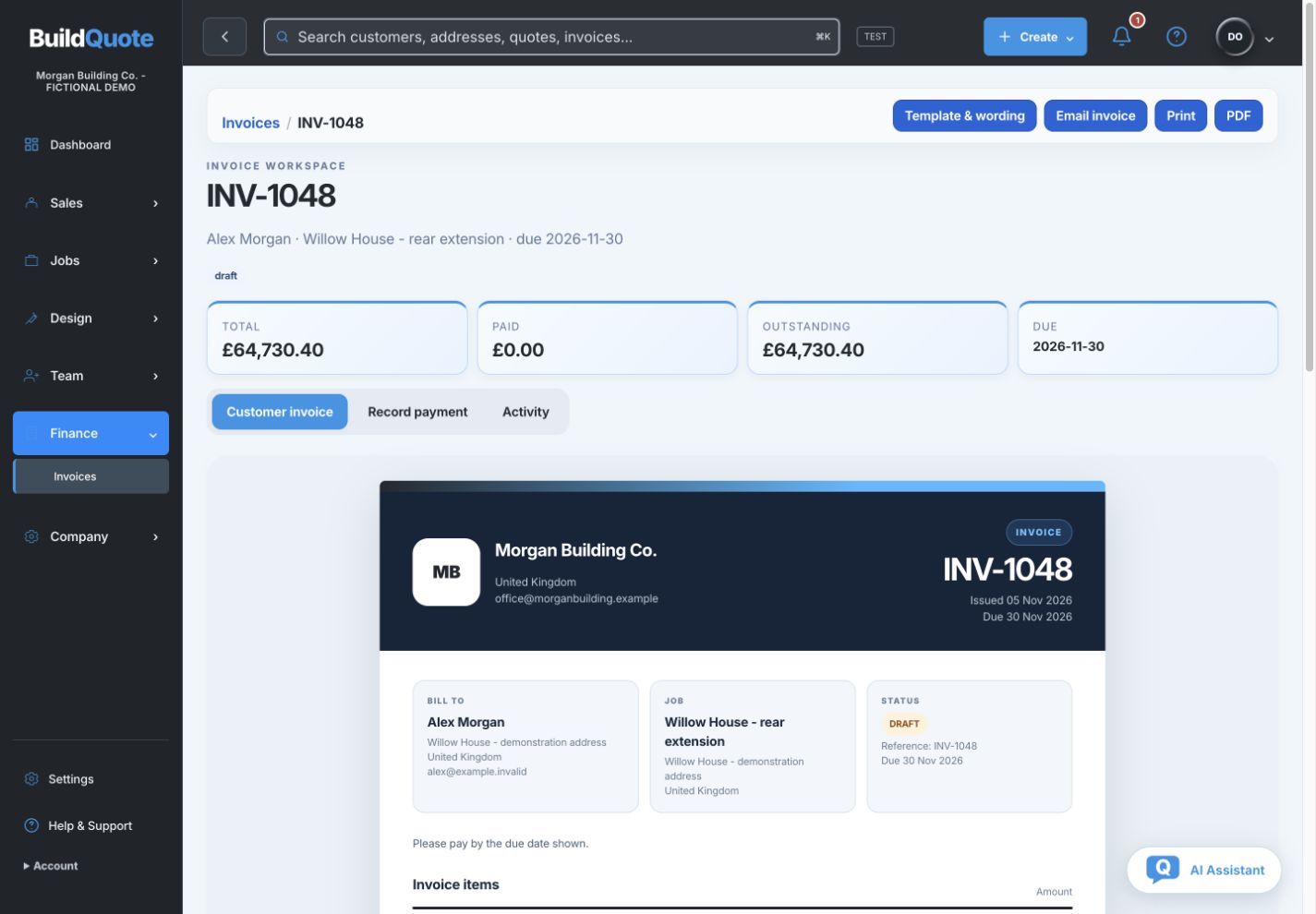
Shared BuildQuote workspace & document previews · Fictional extension example · Click to enlarge
HELP CUSTOMERS SEE THE IDEA
Show the wall.
Make the detail clear.
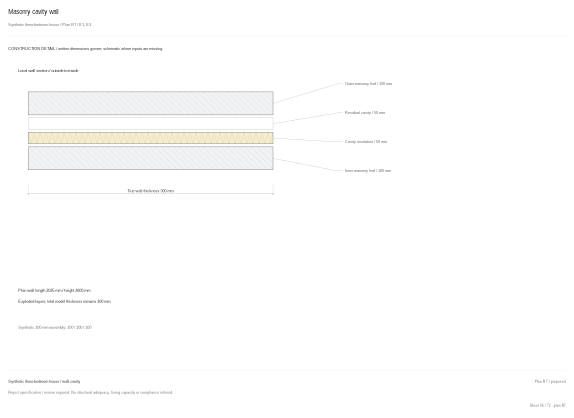
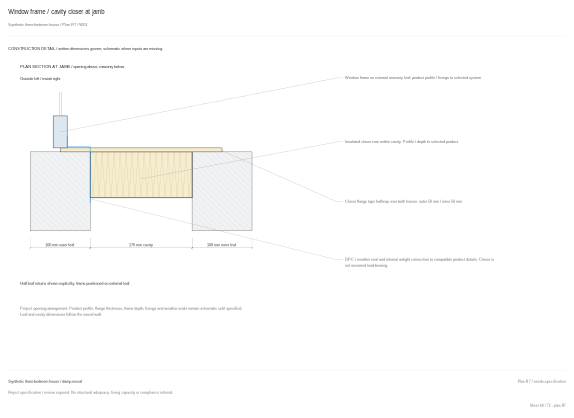
Keep wall layouts, openings and construction notes with the quote. Use supplied specifications and the design tools to communicate the work, with structural details checked separately.
SPECIFICATION & CONSTRUCTION DRAWINGS
Give the masonry detail a clear place.
Wall sections, lintels and damp-proof details.
Keep the supplied specification close.
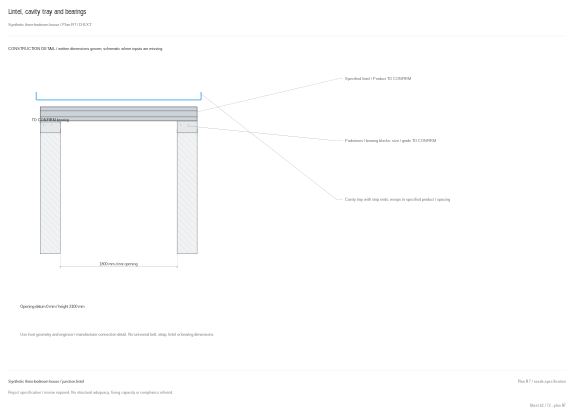
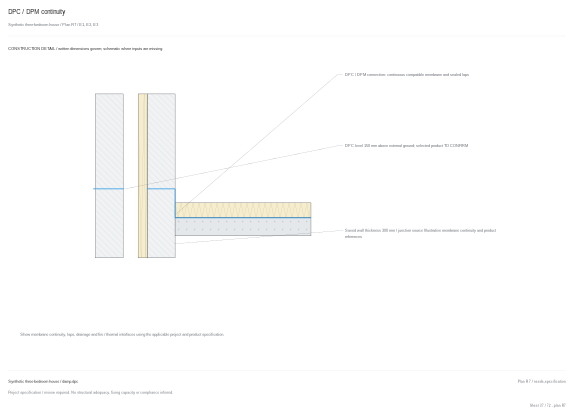
Existing BuildQuote drawing exports · Separate synthetic example project · Click to enlarge
Keep lengths, heights, openings and the material specification together.
Keep wall build-ups, openings and site notes with the job.
Lintels, bearings, restraints and foundation decisions need the appropriate supplied design and review.
Existing BuildQuote views & drawing exports · Synthetic examples · Confirm project inputs and obtain any required technical review before use.
Explore 2D & 3D designBUILT AROUND YOUR WORK
A van full of tools,
all in one place.
From the first enquiry to the final invoice. There’s more to BuildQuote than quoting and drawing.
Explore all featuresONE TOOLKIT. THREE PLANS.
Find your fit.
From £39/month excluding VAT.
Start with your first 7 days free.
A few useful answers.
Can I use my usual labour rates and units?
Yes. Use your own quote items, descriptions and rates. Review the labour basis and units for the actual measured scope.
Will it automatically specify lintels or structural support?
No. Use the supplied structural specification and appropriate professional review. Estimating and drawing tools do not make those decisions for you.
Can I reuse a previous masonry scope?
Use trade templates and price books as a starting point, then update the quantities, descriptions, current rates and access assumptions for the new job.
Which plan should I choose?
Basic includes AI quoting, the AI Assistant and essential business tools. Essential adds drawings and full job management. Pro adds advanced design, automation and team tools. Compare the full plan details.